:quality(80):format(webp))
:quality(80):format(webp))
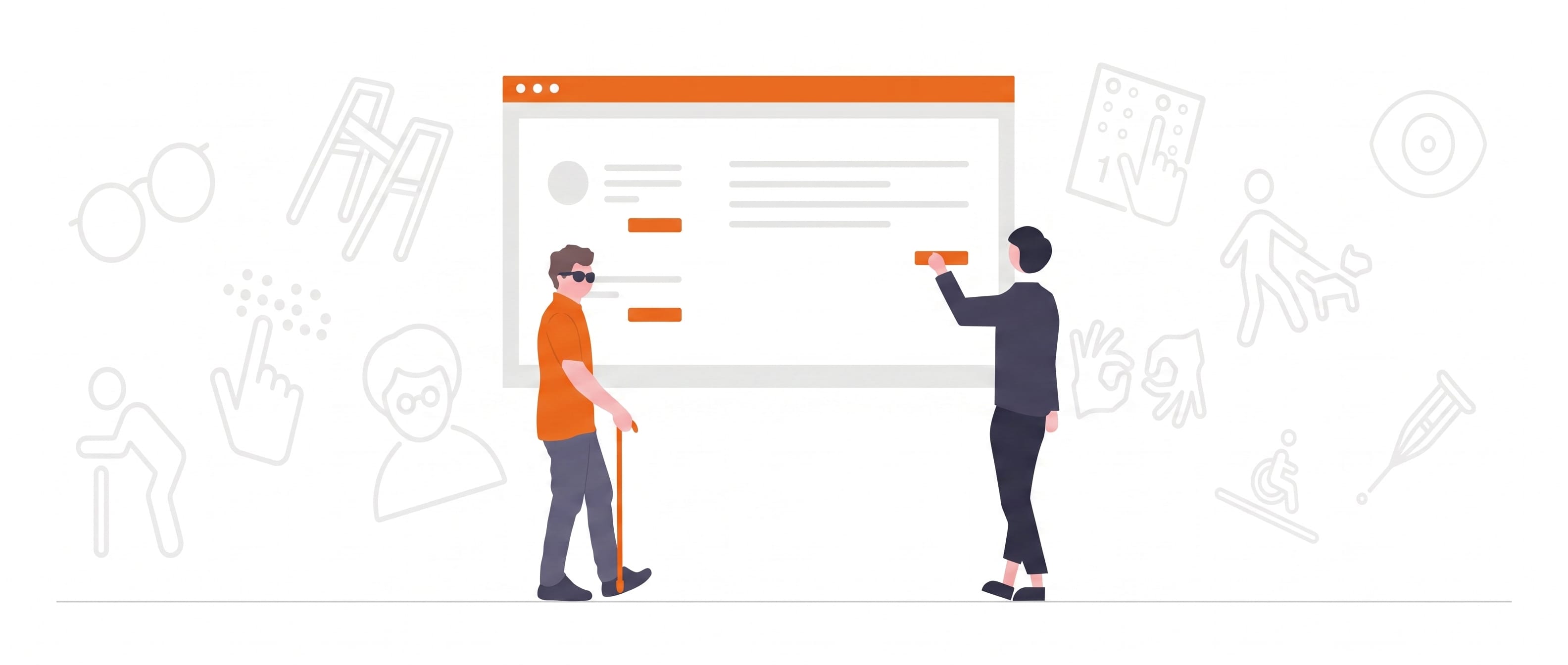
The term “digital accessibility” includes digital media that are free of barriers and accessible to everyone without restrictions. People often think of people with impairments or disabilities.But this is not the case - it affects us all!
Why everyone benefits from digital accessibility
Imagine you are sitting on public transport and watching a video. Suddenly you realize that you have forgotten your headphones and therefore cannot fully experience the content of the video.The solution:A subtitle for the video!
Or you are at home in the home office on a warm day, working in the garden or on the balcony. The sun is shining on your screen and the contrast between the foreground and background colors for the presentation displayed there is too low. It is very likely that you will only recognize very little content.The solution:A higher contrast, for better readability!
We already encounter digital accessibility in everyday situations and affects everyone!That is why we are now checking all PowerPoint presentations for digital accessibility.The advantage: A presentation that is characterized by clarity, order and Structure is convincing.
This is how digital accessibility works in PowerPoint!
There are three individual test levels that build on each other like building blocks. Our customers decide how deep the test should go:
1. Test for optics (basic test)
Here, all points relating to optics are checked.
2. Examination in-depth
As with the basic examination, in addition a perfect output via a screen reader is ensured.
3.Exam as an all-round package
Includes all previous examination levels and in addition the presentation and/or the pdf WCAG (Web Content Accessibility Guidelines) AA is prepared in accordance with AA.
The 1. The review level is an automatic part ofall PowerPoint presentations created or edited by i‑pointing - everyone benefits from this.
With us you make your presentations accessible to (almost) everyone! Would you like to find out more about digital accessibility and the associated possibilities? Then feel free to take a look at ourpage about digital accessibilityanddiscover the serious advantages of a digitally barrier-free PowerPoint presentation!
More posts
:quality(80):format(webp))
The 10 deadly sins in lecture-accompanying slides PowerPoint – Part 1
:quality(80):format(webp))
:quality(80):format(webp))
i-pointing participates in Zapdeck and agrees on partnership – strategic cooperation for “AI-powered presentations” in the professional sector
:quality(80):format(webp))